

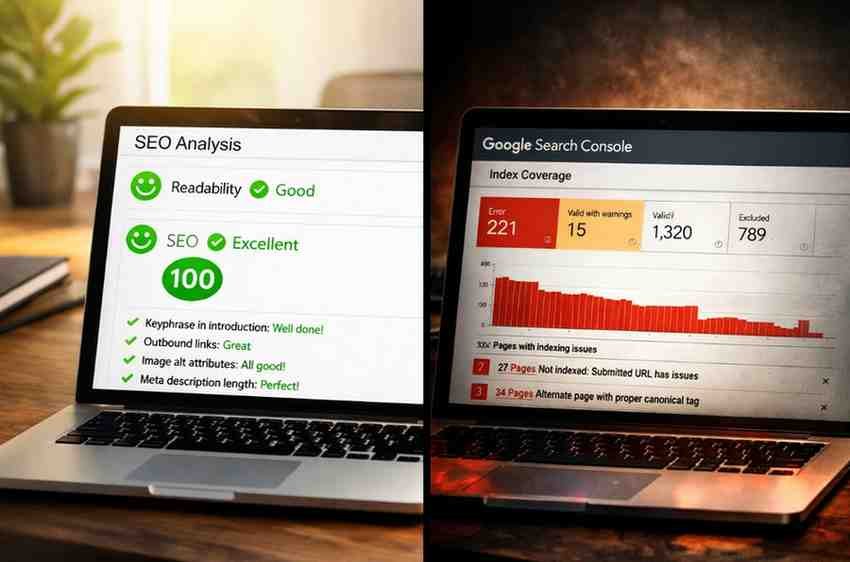
You install an SEO plugin. Configure everything carefully. Green lights everywhere.
And yet, Google still behaves strangely.
It picks the wrong canonical. Pages sit in “Crawled – currently not indexed.” Schema gets ignored. Your site feels… untrusted.
That’s where frustration sets in.
Rank Math, Yoast, and All in One SEO all promise optimization. They claim to help search engines understand your site. Their dashboards reassure you that everything is “SEO-friendly.”
So why do so many websites still struggle to gain Google’s trust?
That question is the real reason this comparison matters.
This article does three things:
First, it explains what “Google trust” actually means—and what it doesn’t. Second, it separates real SEO signals from plugin marketing. Third, it compares Rank Math, Yoast, and All in One SEO based on how well they help Google see your site clearly and consistently.
Not based on features. Not based on dashboards. But based on how Google actually behaves.
What “Google Trust” Actually Means (And What It Doesn’t)

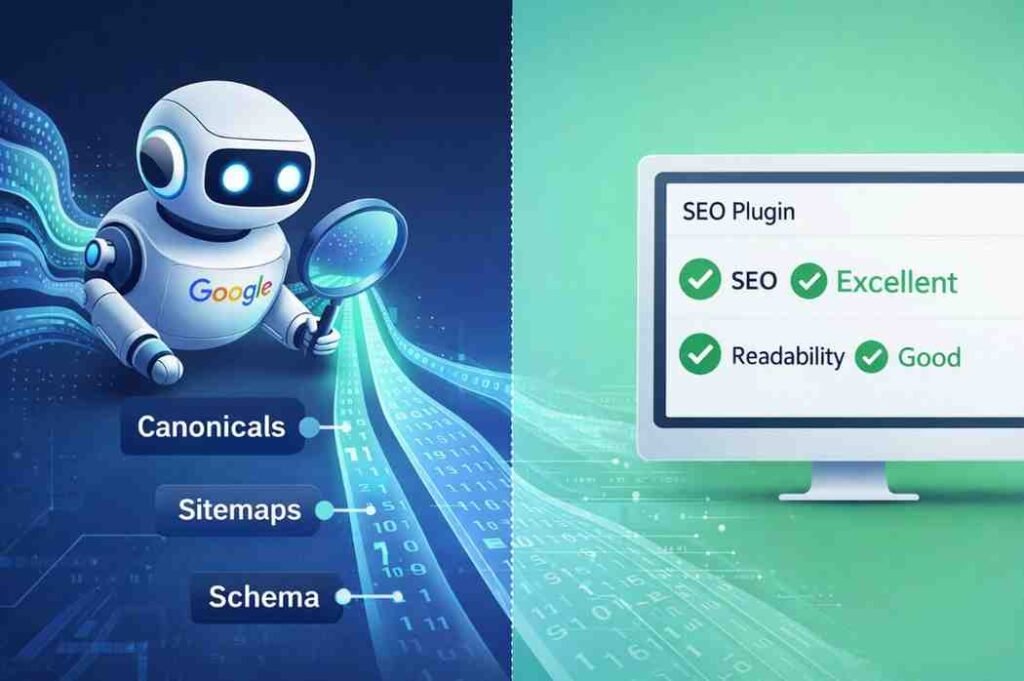
Let’s reset expectations early.
Google does not trust plugins. It doesn’t reward brands for using a specific SEO tool. And it certainly doesn’t assign a hidden “trust score” because you passed all the green checks.
Google evaluates signals, not tools.
When people say a site is “trusted,” they’re usually describing outcomes: Pages get indexed consistently. Canonicals remain stable. Crawl behavior is predictable. Google understands which URLs matter. Content intent is interpreted correctly.
Trust, in Google’s world, is not belief—it’s confidence.
Confidence that this URL is the correct version. That this page exists intentionally. That this content serves a clear purpose. That this site behaves consistently over time.
Once you understand that, the plugin conversation changes completely.
If trust is about signals—not plugins—then the real question becomes: Which plugin helps you send clearer, more consistent signals to Google?
PRO TIP: Before installing any SEO plugin, audit your site’s existing technical foundation. Check for redirect chains, duplicate content, and conflicting canonical tags. A plugin can’t fix structural problems—it can only manage them.
How SEO Plugins Influence Google’s Perception (Indirectly)


SEO plugins don’t create trust. They reduce confusion.
When used well, they help Google by reducing ambiguity in URLs and metadata, preventing accidental duplication, standardizing titles and descriptions at scale, and keeping technical SEO consistent across thousands of pages.
When used poorly, they do the opposite.
They auto-generate conflicting schema. They create multiple URL paths for the same content. They encourage over-optimization for scores instead of intent. They add SEO bloat without a clear strategy.
This is the key mental shift: Plugins don’t earn trust. They help you avoid sending mixed signals.
And the most dangerous mixed signal of all? Canonical confusion.
EXPERT ADVICE: Treat your SEO plugin like a scalpel, not a sledgehammer. Every feature you enable should solve a specific problem. If you can’t explain why a setting is turned on, turn it off.
Canonicals: The Single Most Important “Trust” Signal Most Sites Get Wrong
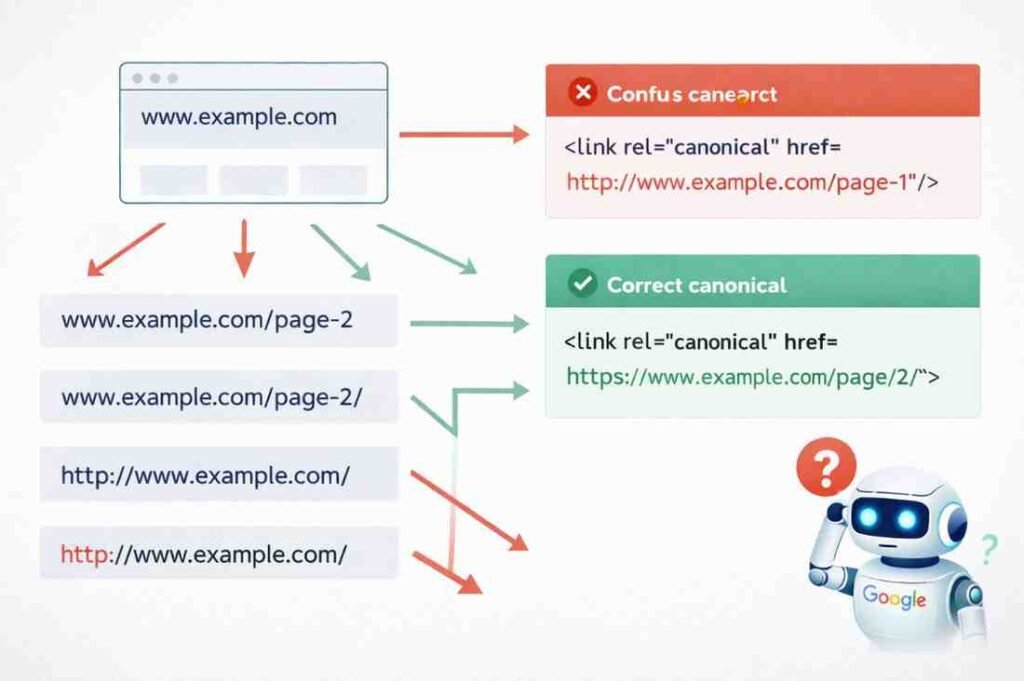
If there’s one area where SEO plugins quietly make or break trust, it’s canonicals.
Canonical tags answer one simple question for Google: “Which URL is the primary version of this content?”
In theory, that’s straightforward. In practice, this is where many sites fall apart.
Google ignores user-defined canonicals more often than people realize. Not because Google is broken, but because other signals contradict the canonical you set.
Common causes include internal links pointing elsewhere, pagination confusion, redirect chains, URL parameters, and inconsistent trailing slashes.
Here’s a familiar scenario: You set the homepage canonical correctly. Google still chooses /page/2/ as canonical.
Why? Because your internal linking and pagination structure told a stronger story than the tag itself.
Plugin Comparison: Canonical Handling
Yoast is conservative. It sets canonicals automatically and limits risky flexibility. This reduces accidental errors but can feel restrictive.
Rank Math offers deeper control. You can override canonicals easily—which is powerful, but dangerous without a plan.
All in One SEO sits between the two, offering flexibility with guardrails.
The real risk isn’t the plugin. The real risk is switching plugins without auditing canonicals first.
PRO TIP: Run this simple test: Search
site:yourdomain.comin Google and check if the URLs displayed match your intended canonicals. If Google shows different versions, you have a canonical conflict that needs immediate attention.
Which brings us to discovery.
Even with perfect canonicals, Google still needs to find and prioritize your pages.
XML Sitemaps: Discovery, Not Authority

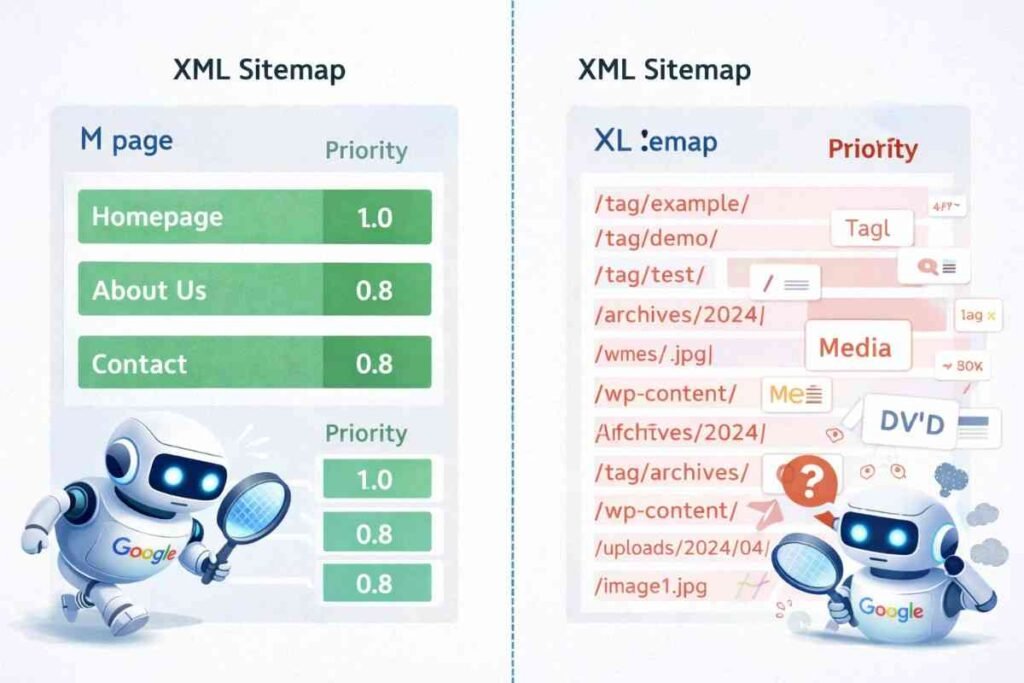
Sitemaps are among the most misunderstood SEO elements.
They do not force indexing. They do not pass authority. They do not override quality signals.
Sitemaps exist for one purpose: discovery and prioritization.
They tell Google which URLs exist, when they were last updated, and which sections matter more.
Bad sitemaps don’t usually hurt rankings directly—but they dilute crawl focus. Common mistakes include listing tag pages, archive URLs, and utility pages. Adding thin or duplicate URLs. Letting media URLs flood the sitemap. Never pruning old or irrelevant pages.
Plugin Comparison: Sitemap Management
What matters here is how each plugin handles sitemap splitting, how easily low-value URLs can be excluded, whether taxonomy and media URLs are opt-in or automatic, and how manageable sitemaps remain as sites scale.
This is where many “submitted but not indexed” issues begin. Not because Google rejected the page, but because the site overwhelmed its own crawl signals.
EXPERT ADVICE: Your sitemap should include only the URLs you’d pay to have indexed. If you wouldn’t promote a page, don’t include it in your sitemap. Quality over quantity always wins in crawl budget management.
Structured Data (Schema): Clarity vs Over-Engineering
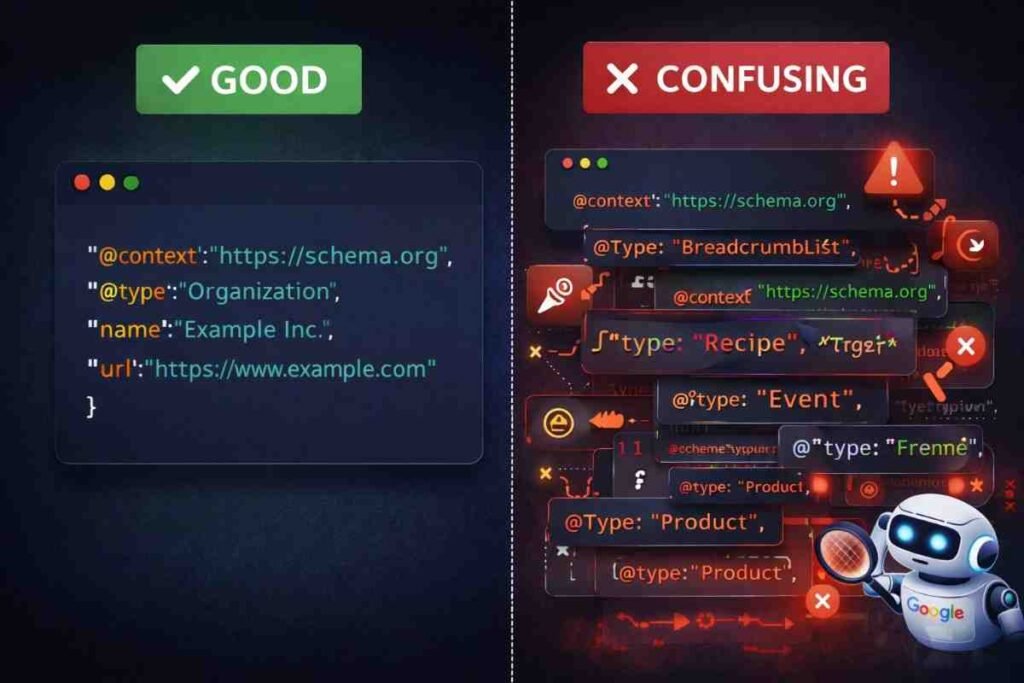
Schema is not a ranking booster. It never was.
Schema helps Google interpret content and determine eligibility for enhanced results. That’s it.
Problems begin when schema becomes excessive. Plugins make schema easy—sometimes too easy.
Multiple schema types stacked on one page. Default schemas applied blindly. Conflicting entity definitions. The result is ambiguity. And ambiguity erodes trust.
Plugin Comparison: Schema Approach
Automatic schema saves time but increases conflict risk. Manual schema offers precision but requires understanding. Overlapping schema from multiple plugins or themes is a common hidden issue.
One rule consistently holds true: More schema does not equal more trust. Accuracy beats coverage.
Google prefers one clear interpretation over ten confusing ones.
PRO TIP: Use Google’s Rich Results Test to validate your schema before deployment. Don’t just check for errors—verify that the preview matches your intent. What Google displays is what matters, not what your plugin dashboard shows.
E-E-A-T: Where SEO Plugins Stop Helping
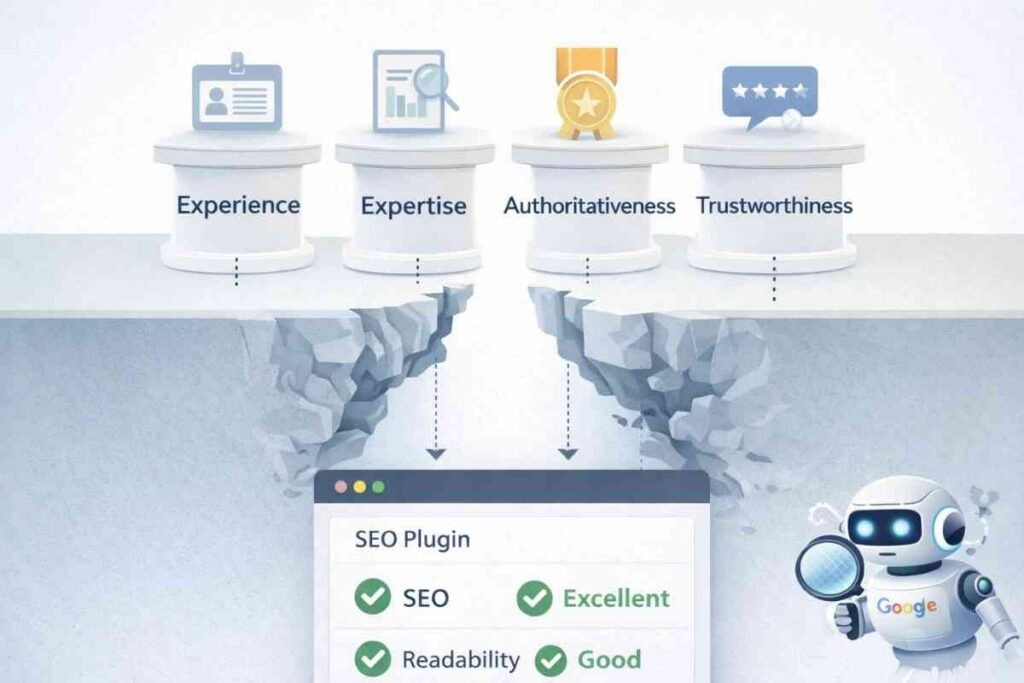
This is where honest SEO matters.
Experience, Expertise, Authoritativeness, and Trustworthiness are not plugin features.
Plugins cannot create experience, build reputation, establish real-world authority, or improve user satisfaction.
What plugins can help with: Author markup. Organization details. Consistent branding signals. Structured presentation of information.
What they cannot replace: Content quality. Original insight. Editorial standards. Trust earned over time.
EXPERT ADVICE: If you’re spending more time configuring your SEO plugin than creating valuable content, you’ve lost the plot. Google rewards sites that serve users, not sites that serve plugins.
Once this is clear, you’re ready for a fair comparison.
Rank Math vs Yoast vs All in One SEO: How They Differ in Practice
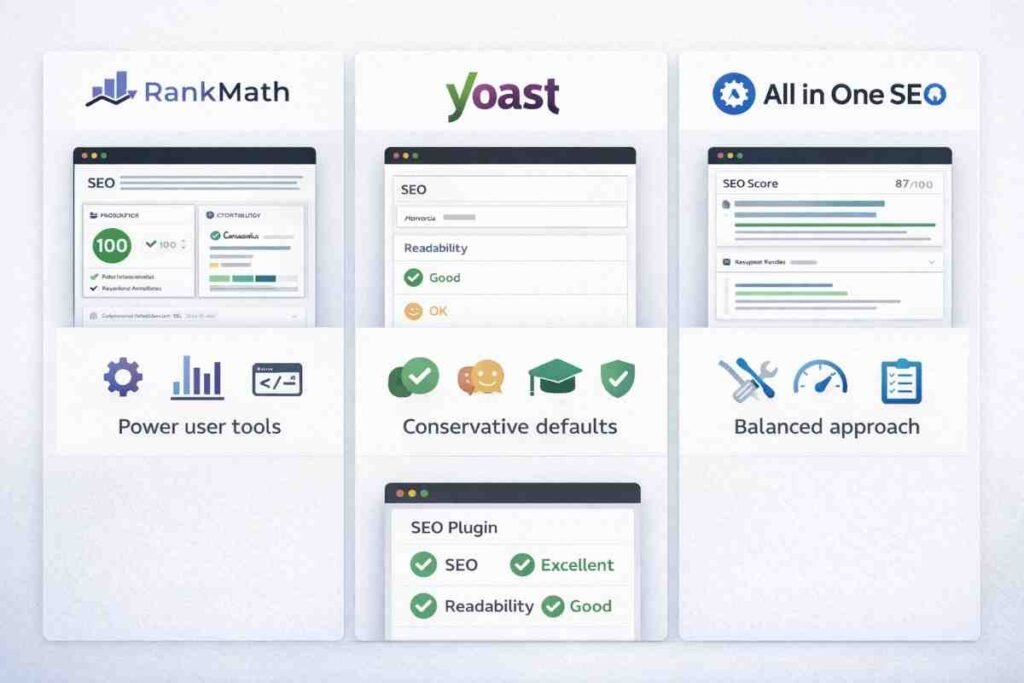
This is not about which plugin is “best.” It’s about which plugin fits your site—and your discipline level.
Rank Math
Highly modular and extremely feature-rich. Excellent for power users. Requires discipline and strategy.
Best for: SEO-savvy site owners who understand the risks of over-configuration.
Yoast
Conservative defaults and opinionated structure. Slower to add flashy features. Extremely stable.
Best for: Publishers who value safety, consistency, and minimal risk.
All in One SEO
Broad toolkit approach. Marketing-friendly interface. Flexible without being overwhelming.
Best for: Growing sites that want control without deep technical complexity.
The plugin itself doesn’t determine trust. How intentionally you use it does.
PRO TIP: Choose your plugin based on your weakest link. If you lack technical SEO knowledge, choose Yoast. If you have expertise but need efficiency, choose Rank Math. If you’re building agency sites, All in One SEO offers client-friendly workflows.
The Real Ranking Risk: Switching Plugins the Wrong Way
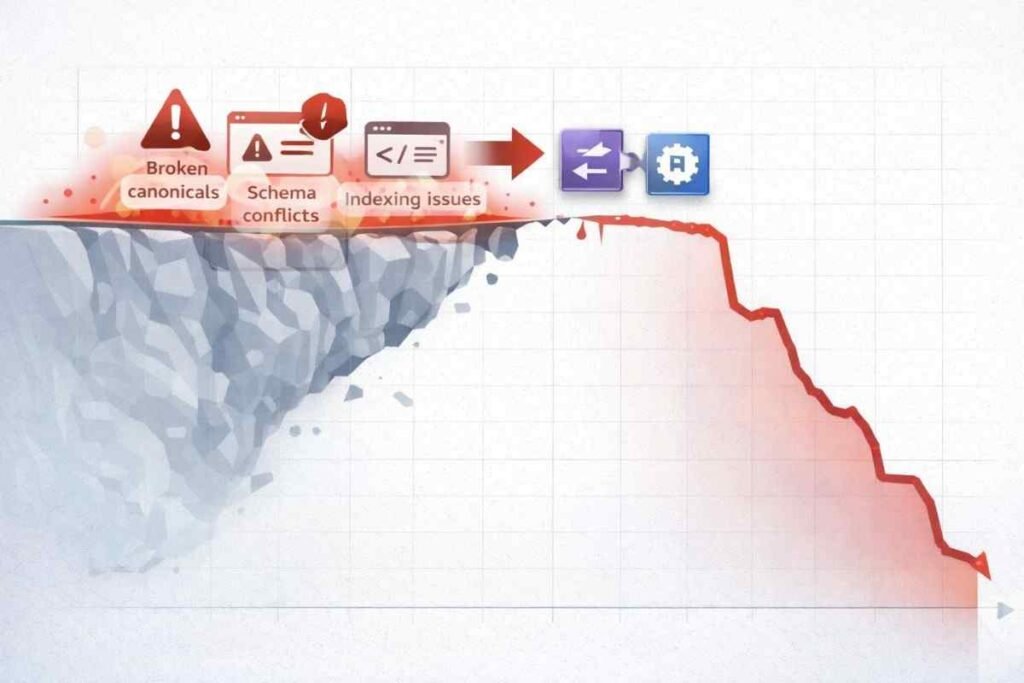
This is where many SEO horror stories begin.
Traffic drops after switching plugins. Not because the new plugin is bad, but because canonicals change, schema gets reshuffled, meta inheritance shifts, and indexing signals reset.
Switching plugins is not cosmetic—it’s structural.
Avoid switching during:
- Indexing instability
- Core updates
- Traffic peaks
- Without a clear audit plan
Always audit before and after:
- Canonicals
- Index/noindex rules
- Schema output
- Sitemap URLs
If you’ve ever thought, “This explains what happened to my site,” you’re not alone.
EXPERT ADVICE: When switching plugins, take a full crawl snapshot with Screaming Frog before and after the migration. Compare the two exports to catch every technical change. This single step prevents 90% of plugin-switch disasters.
So… Which Plugin Actually Helps Google Trust Your Site?
Here’s the honest answer: None of them earn trust.
The right plugin is the one that matches your site’s size and complexity, minimizes contradictions, encourages intentional SEO decisions, and helps you stay consistent over time.
Trust comes from clarity. Plugins are tools—not shortcuts. Consistency always beats features.
Conclusion: A Question Every SEO Plugin User Should Ask
Before tweaking another setting, ask yourself this:
Is my SEO plugin helping Google understand my site—or just helping me feel optimized?
Start small. Audit canonicals. Clean your sitemap. Simplify schema.
And if you’re willing, share your experience: Which plugin are you using—and what problem are you still facing?
That conversation matters more than any green light ever will.
FINAL PRO TIP: Schedule a quarterly “SEO plugin audit.” Review every enabled feature. Turn off anything you can’t justify. Document why each setting exists. This simple practice prevents configuration creep and keeps your site’s signals sharp.
Read Also: How To Add Canonical Tag In WordPress