


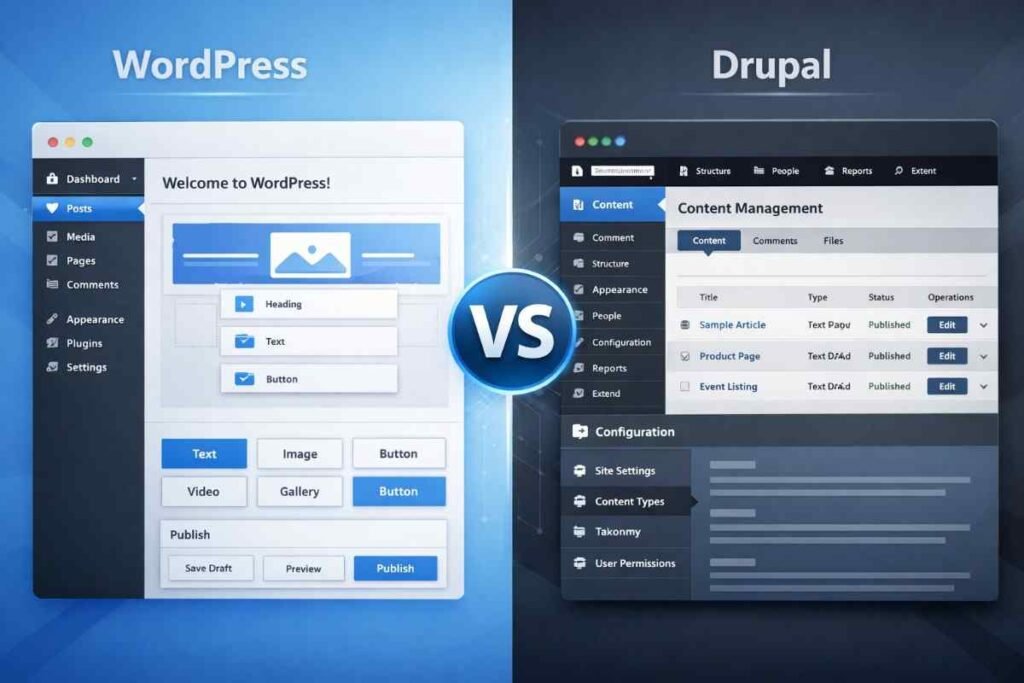
Choosing the right content management system ranks among the most critical decisions you’ll make when building a website. This single choice ripples through everything—how easily you publish content, how secure your site stays over time, how gracefully it scales with growing traffic, and how much time and money you’ll invest in maintenance.
Year after year, two platforms dominate this conversation: Drupal and WordPress.
Both are open-source. Both power millions of websites worldwide. Both can support anything from simple blogs to sprawling enterprise platforms. Yet beneath these similarities lie profound differences in philosophy, usability, and what it takes to maintain them long-term.
This guide cuts through the marketing noise to show you how Drupal and WordPress actually perform in the real world—once your site is live, traffic is growing, and operational pressure mounts.
By the end, you’ll know exactly which CMS aligns with your goals, technical capabilities, and vision for the future.
Expert Insight: After managing hundreds of CMS migrations and implementations, I’ve learned that the biggest mistakes happen when teams choose based on popularity rather than fit. The platform that works for your competitor might be completely wrong for you.
Table of Contents
Understanding the Core Difference Between Drupal and WordPress
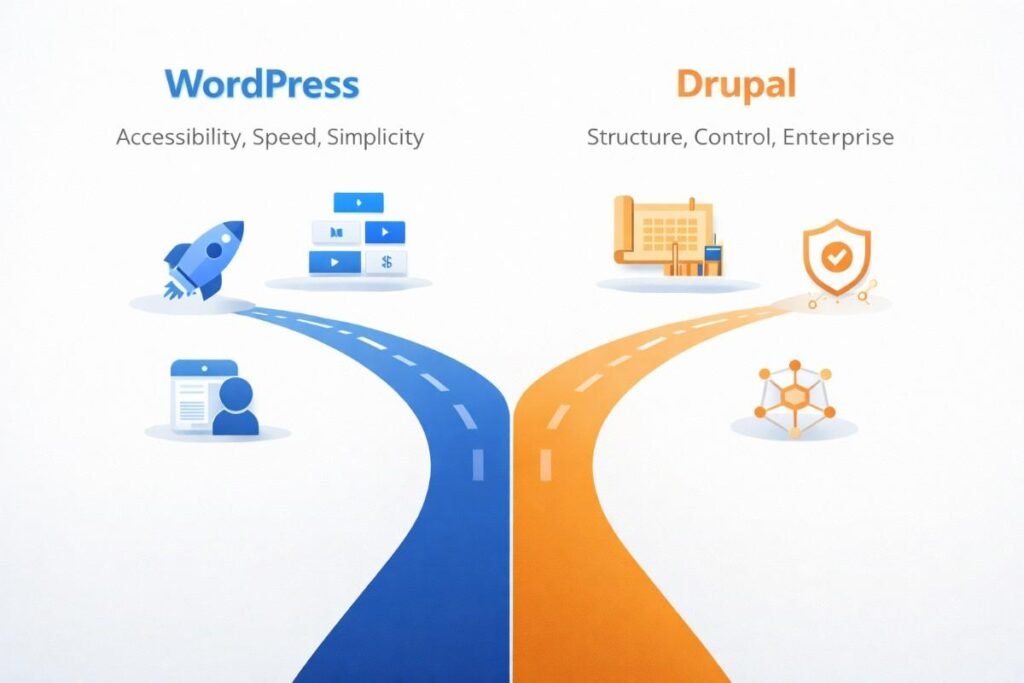
The fundamental divide between Drupal and WordPress comes down to their intended audiences.
WordPress prioritizes accessibility above all else. Quick setup, minimal learning curve, ease of use—these define its DNA. Most users launch fully functional websites within hours, often without writing a single line of code.
Drupal takes a different path. It’s built for structure and control, prioritizing flexibility, advanced data modeling, and enterprise-level customization. From day one, it expects technical involvement.
Neither approach is inherently superior. The right choice hinges entirely on what you’re building and who’s managing it.
Pro Tip: Before committing to either platform, map out your content workflow. Who creates content? Who approves it? What types of content do you need? These answers matter far more than feature lists.
Ease of Use and Learning Curve
WordPress: Beginner-Friendly by Design
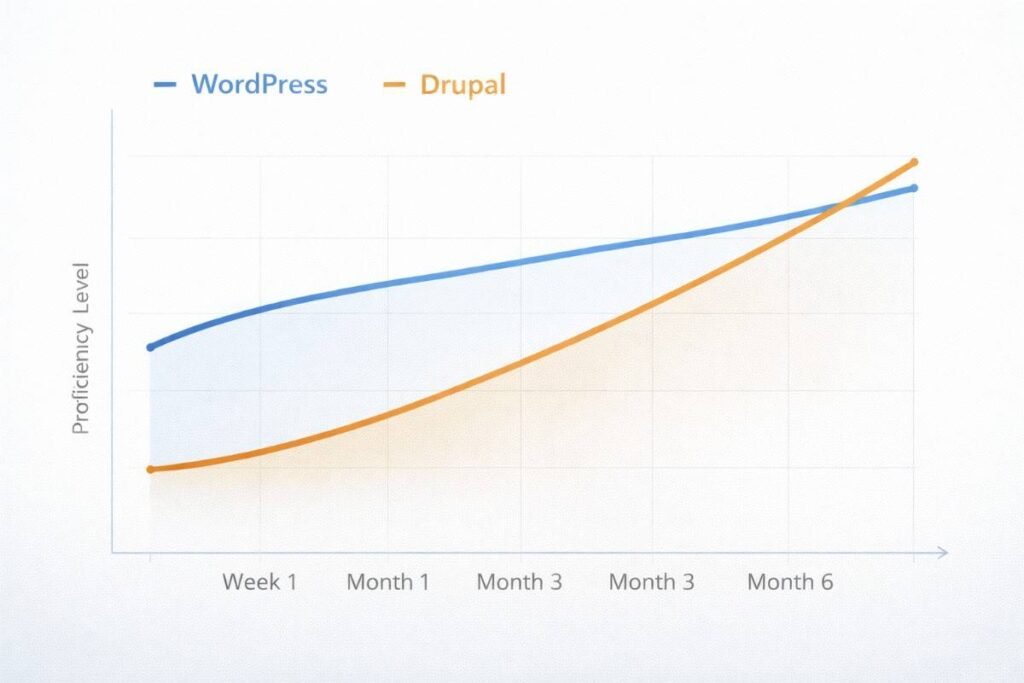
WordPress earned its reputation for ease of use. The admin dashboard feels intuitive. Publishing content resembles working in a word processor. Most functionality arrives through themes and plugins.
Non-technical users can quickly accomplish impressive tasks. Install WordPress on shared hosting. Choose and customize a theme. Add pages, blog posts, and media. Install plugins for SEO, security, caching, and backups.
This accessibility explains why WordPress powers everything from personal blogs to small business websites, from news platforms to ecommerce stores.
Expert Advice: The biggest WordPress mistake? Assuming “easy to start” means “easy to maintain.” Plan for updates, backups, and security from day one. I’ve seen too many sites compromised because owners thought WordPress would take care of itself.
Drupal: Powerful but Demanding
Drupal presents a steeper climb. Even basic setup demands understanding of content types, fields, views, taxonomies, and user permissions.
Content editors typically need training. Site builders usually require development experience. For teams comfortable with structured systems, this level of control becomes an advantage. For beginners? It can feel overwhelming.
Real-World Insight: Budget at least 40 hours for initial Drupal training per team member. It’s not just learning the interface—it’s understanding the underlying architecture. The upfront investment pays off, but only if you commit to it properly.
Verdict: If ease of use matters most, WordPress wins decisively.
Content Management Capabilities
WordPress Content Handling
WordPress started life as a blogging platform, and content creation remains its superpower.
It shines brightest with blogs and long-form articles, landing pages, media-rich content, and editorial workflows enhanced by plugins.
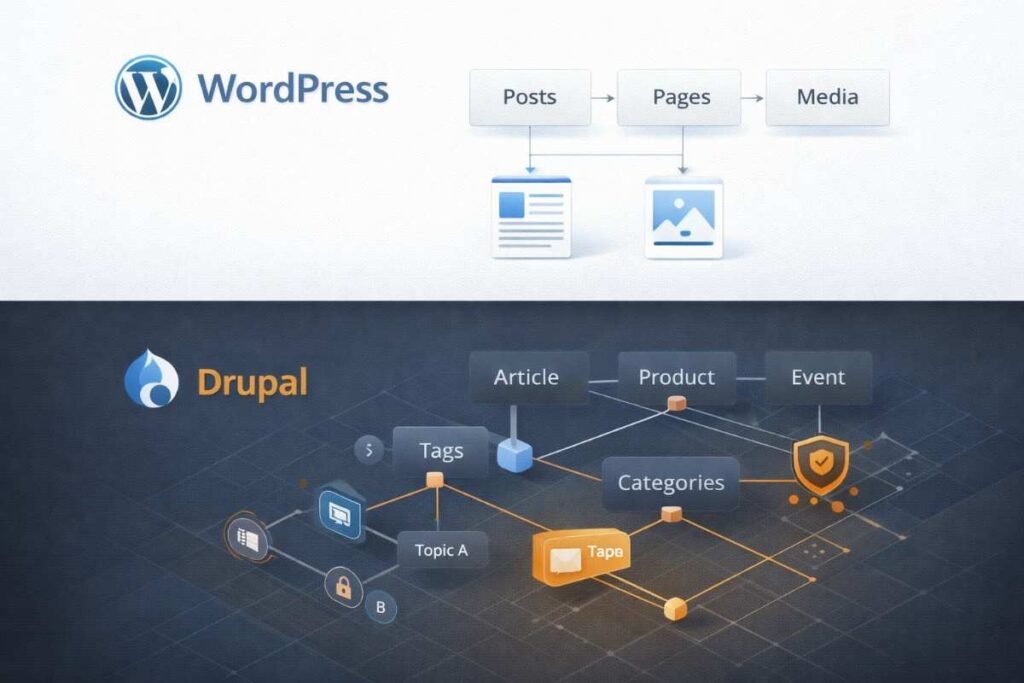
However, managing complex relationships between different content types often demands multiple plugins or custom development—neither ideal.
Expert Tip: If you find yourself installing five or more plugins just to handle your content structure, that’s a red flag. WordPress might not be the right tool for your needs.
Drupal Content Architecture
Drupal builds structured content into its foundation from the ground up.
It excels where complexity reigns: intricate content relationships, large and detailed taxonomies, multilingual content, and granular permission systems.
For websites where content behaves more like structured data than simple pages, Drupal delivers control that WordPress simply can’t match.
Case Study Insight: I worked with a university that migrated from WordPress to Drupal specifically for handling complex faculty profiles, course catalogs, and research publications with intricate relationships. The migration took six months but eliminated years of plugin conflicts and workarounds.
Verdict: WordPress handles straightforward publishing beautifully. Drupal thrives in complex content ecosystems.
Design, Themes, and Customization
WordPress Themes and Page Builders
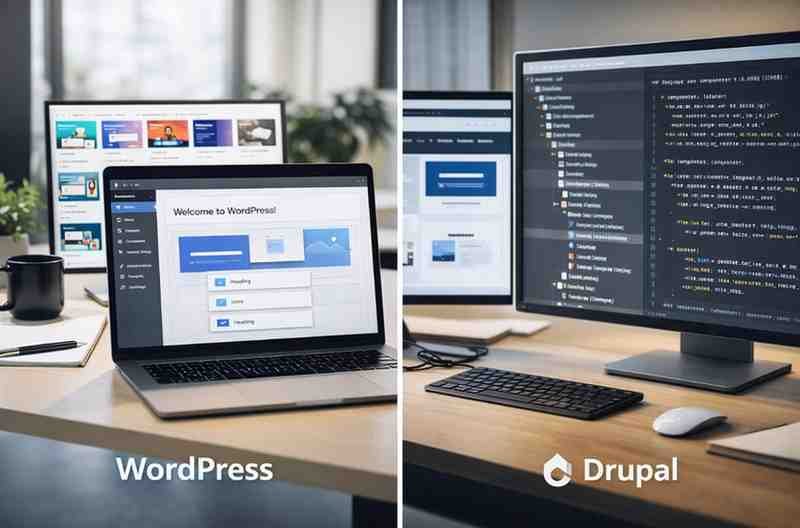
WordPress offers tens of thousands of themes—many laser-focused on specific industries like restaurants, portfolios, SaaS companies, and online stores.
Page builders like Elementor, Gutenberg, and Beaver Builder let you customize layouts visually, no coding required. This makes WordPress perfect for rapid design iteration and experimentation.
Designer’s Warning: Page builders are powerful but can create technical debt. They often generate bloated code that slows your site. Use them strategically, not as a replacement for proper theme development.

Drupal Design Approach
Drupal provides far fewer ready-made themes, and most demand customization. Design work typically involves frontend development using Twig templates, CSS, and JavaScript.
The payoff? Cleaner, more controlled output. The cost? More time and technical expertise.
Pro Perspective: Drupal’s theming layer might seem restrictive, but it enforces best practices. You’ll spend more time upfront but face fewer redesign headaches later. Custom Drupal themes age better than heavily customized WordPress sites.
Verdict: WordPress moves faster and easier for design work. Drupal offers deeper control for custom-built experiences.
Plugin Ecosystem vs Module System
WordPress Plugins
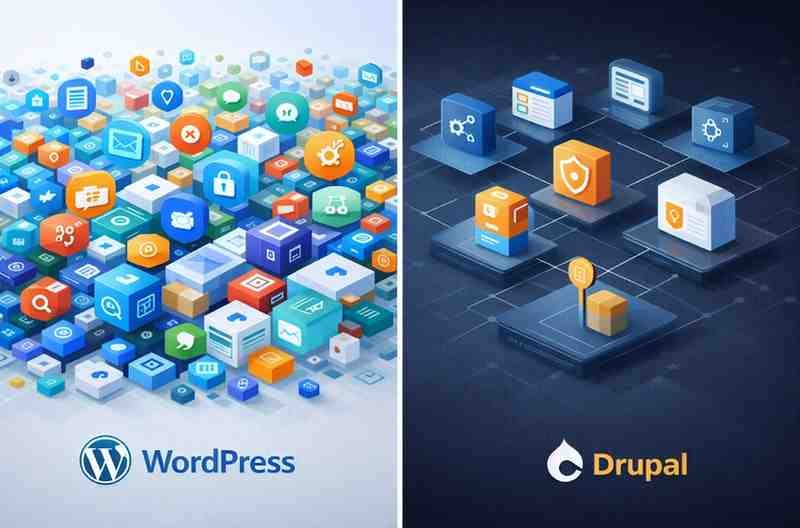
WordPress boasts an enormous plugin ecosystem—over 60,000 plugins covering virtually every imaginable use case.
Need SEO, caching, security, ecommerce, analytics, social sharing, backups, or forms? Add them quickly with minimal configuration.
The catch? Quality varies wildly. Not all plugins receive proper maintenance, and conflicts between them happen frequently.
Critical Advice: Before installing any WordPress plugin, check three things: last update date (within 6 months), active installations (10,000+), and support forum responsiveness. A free plugin that’s abandoned can cost you thousands in security breaches or site crashes.
Drupal Modules
Drupal modules follow stricter standards and integrate more tightly with the core system.
While fewer in number, they prove more robust for complex tasks. Drupal encourages building features properly rather than stacking multiple add-ons that might conflict.
Developer Insight: In Drupal, you’re more likely to build custom modules than download dozens of contributed ones. This sounds intimidating, but it means your codebase stays cleaner and more maintainable long-term.
Verdict: WordPress dominates in availability and convenience. Drupal excels in architectural discipline.
Security Considerations
WordPress Security Reality
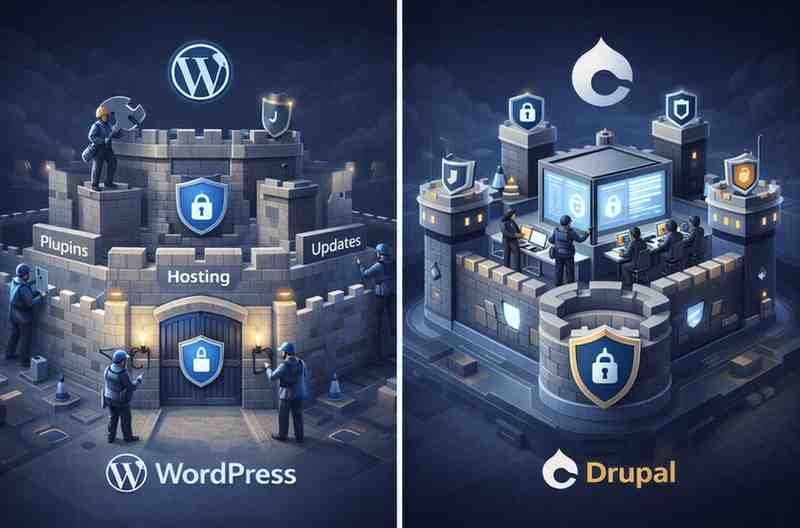
WordPress itself is secure when properly maintained. Most security issues stem from outdated plugins, poorly coded themes, weak passwords, and low-quality hosting.
With disciplined security practices, WordPress can be extremely safe. But it demands ongoing attention.
Security Expert’s Rule: Implement these three non-negotiables for WordPress: automatic core updates, managed hosting with server-level security, and a quality security plugin like Wordfence or Sucuri. Skip any of these, and you’re playing Russian roulette with your site.
Drupal Security Strength
Drupal carries a formidable reputation for security. Governments, universities, and large organizations with critical data protection needs rely on it heavily.
Security updates flow through centralized management, and the ecosystem emphasizes safe coding standards throughout.
Compliance Note: If you’re handling healthcare data (HIPAA), financial information (PCI-DSS), or government data (FedRAMP), Drupal’s security track record and enterprise-grade access controls make compliance significantly easier to achieve and maintain.
Verdict: Drupal arrives stronger out of the box. WordPress matches it with proper discipline.
Performance and Scalability
WordPress Performance
WordPress performs admirably for small to medium-sized websites. Add caching, a CDN, and performance optimization plugins, and it handles substantial traffic.
Scaling WordPress for very high traffic loads, though, typically requires advanced hosting solutions and careful tuning.
Performance Reality Check: I’ve seen WordPress sites handle 50,000+ daily visitors beautifully and others crash at 5,000. The difference? Proper caching strategy, quality hosting, optimized images, and restraint with plugins. WordPress scales when you treat performance as a priority, not an afterthought.
Drupal Performance
Drupal was designed with scalability baked in. It processes complex queries, manages large databases, and handles heavy traffic loads more efficiently when properly configured.
This makes it naturally suited for enterprise-level performance demands.
Architect’s Perspective: Drupal’s caching system is more sophisticated out of the box. It handles database queries more efficiently and gives you granular control over what gets cached and when. For sites with millions of content items, this architectural advantage compounds exponentially.
Verdict: Drupal scales better by design. WordPress scales effectively with optimization.
SEO Capabilities
WordPress SEO Strength
WordPress ranks among the most SEO-friendly CMS platforms available.
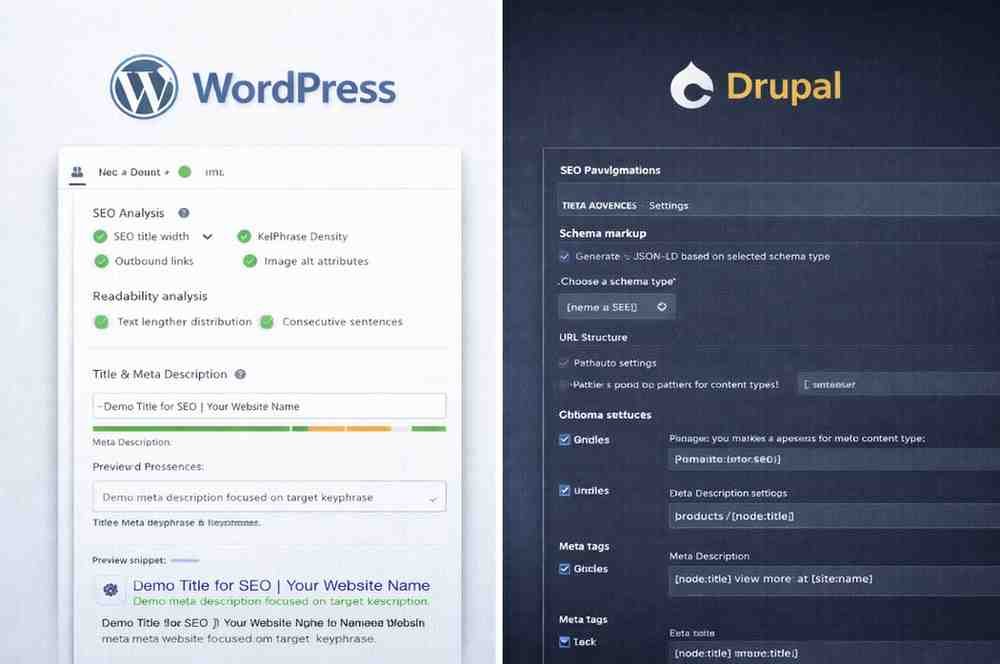
Plugins like Rank Math and Yoast simplify critical tasks: optimizing titles and meta descriptions, controlling schema markup, generating XML sitemaps, and improving content readability.
Most SEO work happens without technical expertise required.
SEO Specialist’s Take: WordPress’s SEO advantage is real, but it’s not automatic. The plugins provide the tools—you still need strategy. I’ve audited WordPress sites with perfect Yoast scores and terrible rankings because they ignored content quality, user experience, and technical fundamentals.

Drupal SEO
Drupal supports robust SEO capabilities but demands more configuration upfront. While SEO modules exist, setup proves more complex and often requires developer involvement.
Advanced SEO implementations benefit from Drupal’s flexibility. Beginners, however, may struggle.
Technical SEO Insight: For enterprise SEO with complex URL structures, multilingual SEO, or programmatic SEO at scale, Drupal’s structured approach actually becomes an advantage. You have more control over every element that search engines see.
Verdict: WordPress proves more SEO-friendly for most users.
Cost and Development Resources
WordPress Costs
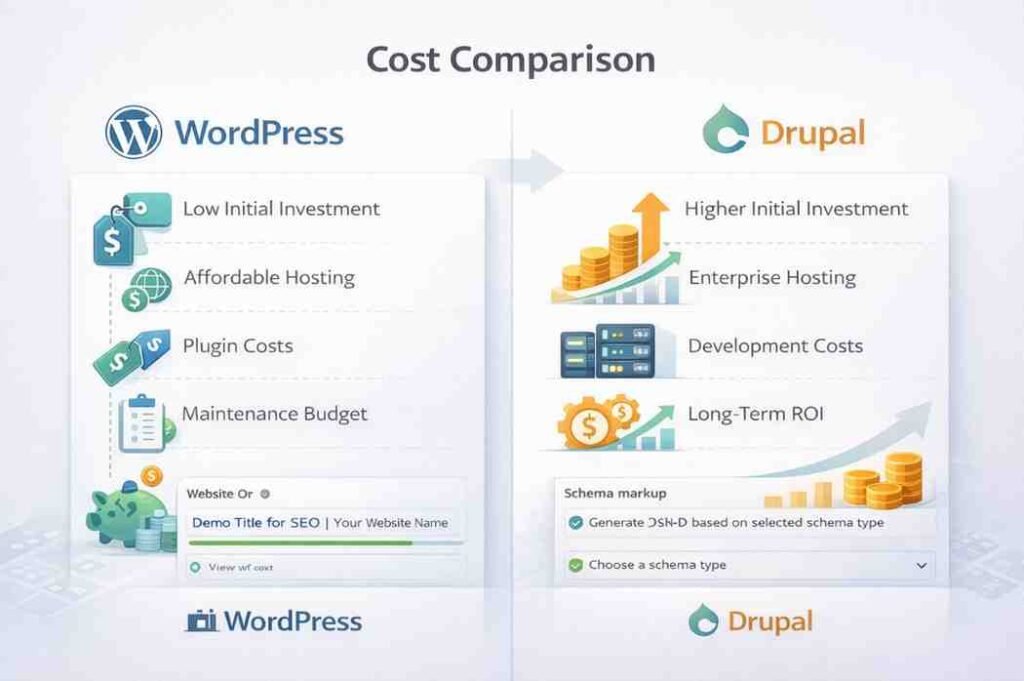
WordPress typically stays budget-friendly. Affordable hosting options abound. Many themes and plugins cost nothing. A large pool of freelancers and agencies keeps development and maintenance costs relatively low.
Budget Planning Tip: A typical WordPress site launch costs $2,000-$15,000 depending on complexity. Budget an additional 10-15% annually for hosting, updates, security, and maintenance. Skimp on ongoing maintenance, and you’ll pay 3-5x more fixing problems later.
Drupal Costs
Drupal projects typically demand professional developers, ongoing technical maintenance, and more robust hosting environments.
The initial investment runs higher—but proves justified for large, long-term projects where that investment pays dividends.
Cost Reality: Expect Drupal projects to start at $25,000 minimum for anything beyond basic sites. Enterprise implementations often run $100,000-$500,000+. However, total cost of ownership over five years can be lower than WordPress for complex sites that would require constant WordPress customization and maintenance.
Verdict: WordPress fits smaller budgets. Drupal represents a long-term investment.

Community and Support
WordPress Community
WordPress claims the largest CMS community worldwide. Tutorials, forums, plugins, themes, and support resources exist everywhere you look.
Most issues have already been encountered, documented, and solved.
Community Advantage: You can Google virtually any WordPress problem and find five solutions in minutes. This self-service support is invaluable for small teams without dedicated developers. Just verify solution dates—WordPress moves fast, and three-year-old answers might be obsolete.
Drupal Community
Drupal’s community is smaller but intensely professional. Documentation runs deep, though it assumes technical knowledge.
Developer support is excellent. Beginner support? Less accessible.
Hiring Consideration: Finding qualified Drupal developers is harder and more expensive than WordPress developers. Budget accordingly and build relationships with your development team—turnover can be costly when institutional knowledge walks out the door.
Verdict: WordPress welcomes everyone. Drupal serves specialists.
When to Choose WordPress
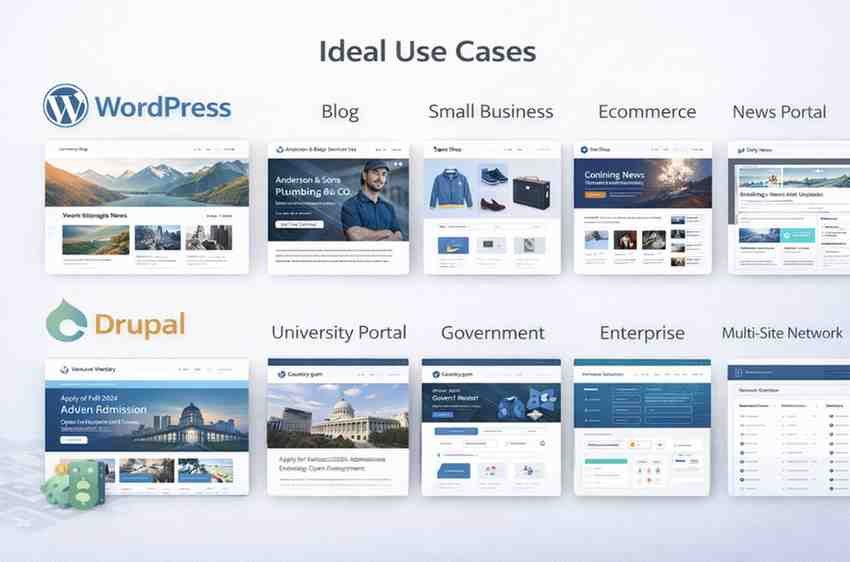
WordPress makes the most sense if you’re:
- A blogger or content creator building your platform
- A small or medium-sized business establishing web presence
- Running a news or content-focused website
- Focused on SEO and publishing speed
- Working with limited technical resources
For most websites, WordPress delivers the practical, efficient choice.
Decision Framework: Choose WordPress if your content strategy is straightforward, your team needs to move fast, and you value ecosystem size over architectural purity. It’s the right tool for probably 80% of websites out there.

When to Choose Drupal
Drupal becomes the better option if you’re:
- Building a large enterprise platform with complex requirements
- Managing intricate content relationships across multiple types
- Handling sensitive or regulated data with strict security needs
- Running multilingual or multi-site networks at scale
- Working with an experienced development team
Drupal dominates where structure, security, and scale matter more than speed.
Strategic Advice: Choose Drupal when you’re solving problems WordPress wasn’t designed for. If you’re stretching WordPress to its limits with custom code and workarounds, you’re probably on the wrong platform. The migration pain now saves years of technical debt later.
Final Verdict: Drupal vs WordPress
The Drupal vs WordPress debate lacks a universal winner—by design.
WordPress dominates the market because it lowers barriers and empowers users to build and manage websites efficiently. Drupal solves a different set of problems, particularly those involving scale, complexity, and control.
Want speed, simplicity, and content-driven growth? Choose WordPress.
Need control, security, and enterprise-grade architecture? Choose Drupal.
The best CMS isn’t the most powerful one. It’s the one that fits your goals today and continues serving you effectively as your site evolves tomorrow.
Read Also: Is Cloud Hosting Still Worth It for Small Websites in 2026?